Money received$250.00From Mira
Project balance after $150 partial payment
Payment details
- Recorded amount
- $250.00
- Φ
- 12.5
- Reference
- example-daily-daily-collect-0
Share one checkout page through a link, website button or in-person QR. Get paid by card, balance or Note.
Skip to contentA link. A button. Money to your account.
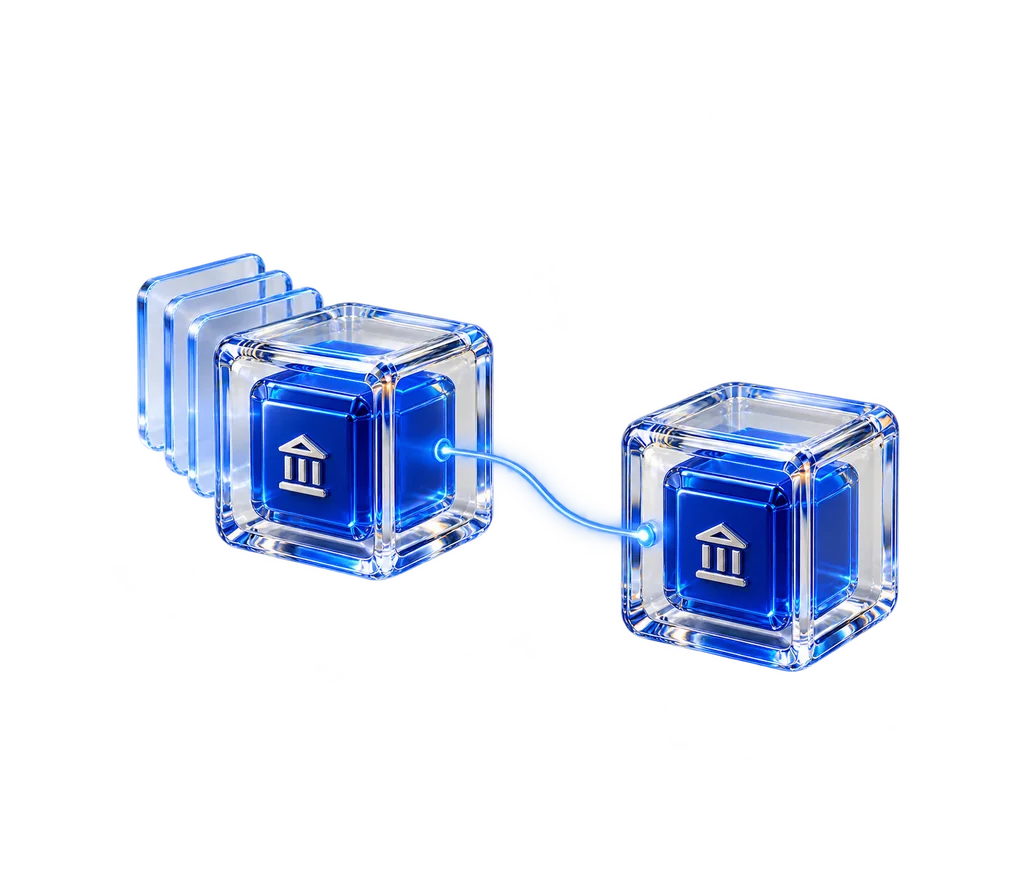
Follow the connection
Share a link, put a button on a page or install the existing checkout widget.
An explanatory model. No account action is performed.
See the actual experience
The optional Business tools help with the checks, the follow-through and the records around your money. Watch the complete example inside the same conversation.
See Business in action Actual interface · Example data. Scripted demonstration. No messages or payments are sent. An original recording2 shares$500.00+11.11%
 A field guide4 shares$180.00+12.5%
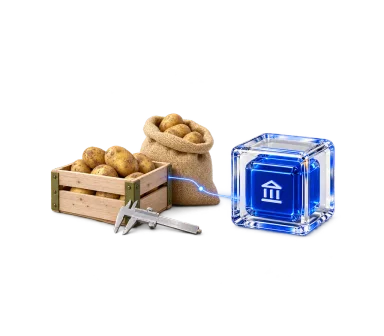 Wheat harvest · 1,000 kg1 share$320.00+6.66%
Mira’s remaining balance is cleared.
Follow up on what Mira still owes me.
I’m checking the payments, the agreed work and the commitments you already told me about.
Mira’s project was $400. Her $150 partial payment is already in your account, leaving $250 on that project. Other outstanding invoices total $950 and bills due total $450.
Use the original agreement and credit what she paid.
The follow-up asks for $250 and credits the $150 already received. Mira can see the work, the partial payment and the exact remaining amount together.
Send Mira the $250 follow-up using the agreement and payments we already have. Keep the request and its result with that work.
Your approved follow-up is sent with the agreed work and credited payments. The reply stays with that same relationship.
Paid. Thank you for keeping the details together.
Mira’s $250 is received. Her $150 partial payment stays credited. Your account is now $1,375; the other $950 still owed and $450 bills stay in their own context.
Project balance after $150 partial payment
Account after $1,375.00
YouFollow up on what Mira still owes me.
Your agentMira’s project was $400. Her $150 partial payment is already in your account, leaving $250 on that project. Other outstanding invoices total $950 and bills due total $450.
YouUse the original agreement and credit what she paid.
Your agentThe follow-up asks for $250 and credits the $150 already received. Mira can see the work, the partial payment and the exact remaining amount together.
Choose Checkout link for a dedicated payment page, or Send link for the existing addressed bank flow. Add an optional amount, then share the link or show its QR at your counter. Scanning only opens the page. The customer reviews the recipient and amount before paying.
Your hosted page accepts cards, balance and supported Notes. It restores an existing device account or creates one on an empty supported device, with no signup step. Customers can optionally save their Identity Record to take that account to another device. Card completion continues the approved payment automatically; uncertain results stay recoverable.
Open Counter in Receive, enter a sale total and create its fixed checkout. Show the QR, share its link or copy its website button. Customers pay through the same balance, card or Note flow. Keep Counter open: Paid appears when your incoming payment original matches that exact checkout. Next sale keeps earlier requests and their evidence. Ordinary receiving links remain editable.
Counter saves the actual received original with its sale. Reopen saved checkouts under the same device identity, inspect their payment evidence or save the full record. Two customers can pay a public link: Counter retains both payments and flags the additional payment for review. A QR opens the hosted payment page on the customer’s phone.
Choose Embedded checkout to copy the existing Receiz widget. Paste it into a custom HTML block that permits scripts. Customers enter an amount and complete the supported card checkout within the site. Receive also supplies your Receiz checkout link for places that cannot run a widget. The current widget lets the customer choose an amount; it does not inherit the optional amount in your Bankeiz request. Your Receiz profile must be public for this checkout.
Your Bankeiz payment button supports Settlement Notes through one Pay with a Note option. The payer approves the selected Note deposit and recipient payment together. Confirmed Note credit continues that payment automatically; a changed card shortfall is reviewed before any charge. The complete source chain and funding composition remain intact. This requires a confirmed deposit before spending; a copied image or a Note addressed to someone else cannot pay an order. Receiz’s separate embedded widget retains its legacy Wallet Note compatibility path.
Use the pinned Receiz SDK for a custom checkout, with the merchant, price and order reference selected by your trusted application. Reuse the existing checkout host and account operations instead of creating a second balance or payment ledger. The integration reference provides a typed example, exact response checks, recovery guidance and the boundaries of Notes, account payments and commerce capabilities.
A button click, a checkout session, a browser message or a success URL is not payment confirmation. Check the original session with Receiz from your trusted application, match the intended merchant, exact amount and confirmed account credit, then record fulfillment once. Keep an interrupted session reference and inspect it before asking the customer to pay again.
Use the same identity for customer payments, your own payments and their connected history. A website integration changes where the customer starts; it does not create another account for the merchant. Card availability, limits and website permissions follow their existing host and processor rules. Keep the customer’s approval and the actual payment result explicit.
This explanation describes the supported implementation. Exact protocol requirements come from the pinned Receiz contracts and original sources. A reference result does not qualify a production deployment or a physical device.